CADCAM Academy

locationPalasuni, Rasulgarh, Bhubaneswa

phoneCustomer Support +91 9437 1122 98 60

Navisworks Training Institute

Autodesk Navisworks Training Institute in Bhubaneswar | CADCAM Academy

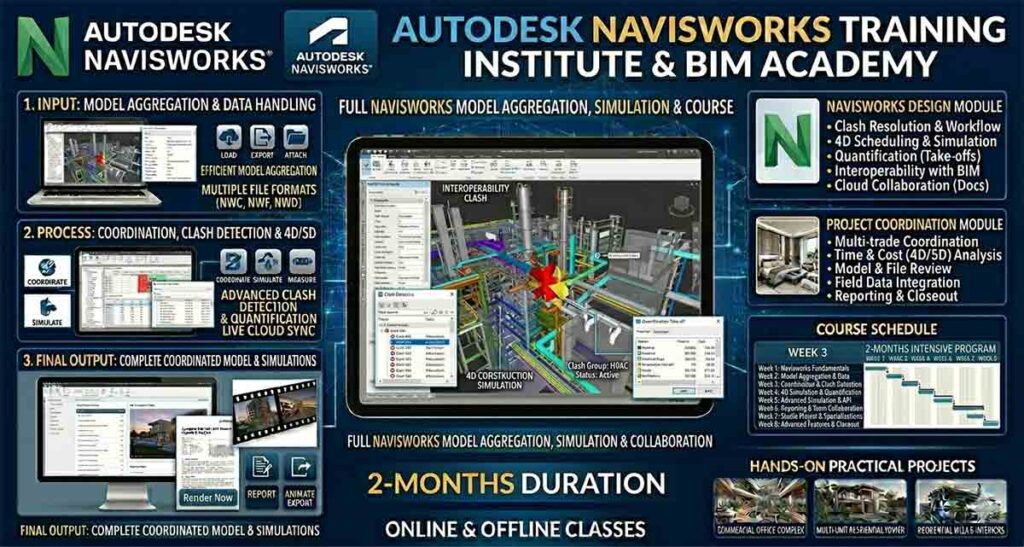
At CADCAM Academy, Bhubaneswar, we proudly deliver industry-oriented training in Autodesk Navisworks, the most powerful BIM coordination and clash detection software used by construction and infrastructure professionals worldwide. Recognized as the Best institute for Navisworks and a top ranking institute with best reviews, our program is crafted for students and professionals who want real project exposure with experts trainers and highly experienced faculties.

This course is designed for learners searching for a Navisworks course near my place with affordable course fees, internships, and 100% job assistance. Our training emphasizes practical project expertise, industrial curriculum exposure, and hands-on coordination workflows used in real BIM projects. Students experience satisfied training through live project models, clash tests, and construction simulation practices.

At CADCAM Academy, you don’t just learn software—you learn how to apply Navisworks in real construction coordination scenarios. If you are aiming to become a BIM coordinator or project planning professional, this is the No1 institute for Navisworks training to start your career.

Autodesk Navisworks Course Overview

Course NameAutodesk Navisworks Professional Training
EligibilityCivil, Mechanical, Electrical, Architecture students & professionals
Duration2 Months
Mode of TrainingClassroom / Online
Batch TypeWeekday / Weekend
Who Can JoinStudents, BIM professionals, Site engineers, Coordinators
Training MethodologyPractical projects, live models, clash tests
CertificationCADCAM Academy Course Completion Certificate
Job Assistance100% jobs assistance
InternshipAvailable with live BIM projects

Autodesk Navisworks Course Syllabus

ModuleTopics Covered
Navisworks InterfaceTools, navigation, file handling
Model AggregationImporting Revit/AutoCAD models
Clash DetectionHard/soft clashes, reports
Timeliner4D simulation and construction sequencing
QuantificationMaterial take-off basics
Rendering & AnimationWalkthrough and viewpoints
CoordinationBIM collaboration workflow

Autodesk Navisworks Course Objective

ObjectiveOutcome
Understand Navisworks toolsConfident software handling
Perform clash detectionIdentify & resolve coordination issues
Create 4D simulationsVisualize project timelines
Integrate BIM modelsMulti-discipline coordination
Generate reportsProfessional documentation

Autodesk Navisworks Career Opportunities

After completing this course, learners can work as BIM Coordinators, Navisworks Specialists, Project Planning Engineers, and Construction Coordination Engineers. The demand for professionals skilled in Navisworks is rising across infrastructure, real estate, MEP, and industrial construction sectors. With practical project expertise, internships, and industrial curriculum exposure, students are ready to contribute from day one in professional environments.


Why Choose CADCAM Academy for Autodesk Navisworks Course

CADCAM Academy offers experts trainers, real BIM projects, affordable course fees, internships, and 100% job assistance with a practice-driven methodology that ensures satisfied training and strong career readiness.

I searched for an autocad institute near me and found CADCAM Academy. The practical drawings and expert guidance improved my confidence in detailing of working drawings for interior design project . So I recommended the best autocad institute for building design course.

Autodesk Navisworks Students Reviews and Testimonial

Review 1:
“The Navisworks training here gave me real clash detection experience. The faculty support and live projects helped me secure a BIM coordinator role quickly.”

Review 2:
“I searched for a Navisworks course near my place and found CADCAM Academy. The practical exposure and internship made a big difference in my confidence.”

Review 3:
“Excellent teaching, affordable fees, and job assistance. The trainers are highly experienced and focus on real construction coordination.”


Autodesk Navisworks Course FAQ

Q1: Do I need prior BIM knowledge?
Basic knowledge of AutoCAD/Revit helps but is not mandatory.

Q2: Is internship provided?
Yes, internships with live BIM projects are included.

Q3: Will I get job assistance?
Yes, 100% jobs assistance is provided after course completion.

Q4: What projects will I work on?
Clash detection, 4D simulation, and BIM coordination models.

Q5: Is this course suitable for working professionals?
Yes, weekend and flexible batches are available.


Autodesk Navisworks Admission Enrollment Process

Visit CADCAM Academy, Bhubaneswar or contact our counselors. Choose your batch, complete registration, and begin training with experts trainers. Online and offline modes are available with flexible timings.


Autodesk Navisworks Course CALL TO ACTION

Join the Best institute for Navisworks today!
Upgrade your BIM coordination skills with Autodesk Navisworks at CADCAM Academy.
📞 Call Now | 📍 Visit Us | 🎓 Start Your Career with 100% job assistance
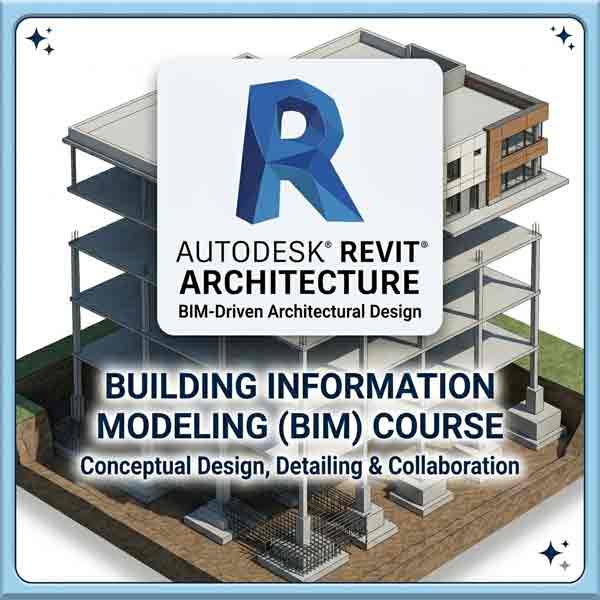
A 400x400 professional banner for a Revit Architecture Training Institute BIM course, featuring the Autodesk Revit logo over a 3D building information model showing structural and architectural layers.
REVIT ARCHITECTURE TRAINING INSTITUTE
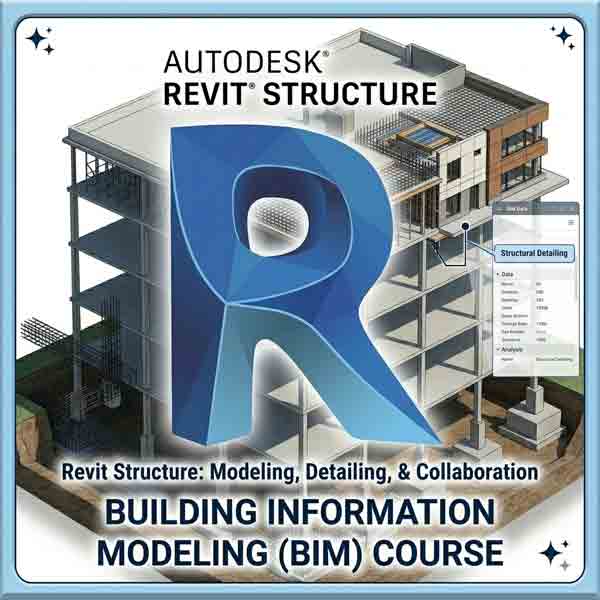
A 400x400 professional banner for a Revit Structure training course, featuring the large, blue 3D Autodesk Revit Structure logo over an isometric model of a multi-story building showing concrete reinforcement, structural framing, and a BIM data analysis panel.
REVIT STRUCTURE TRAINING INSTITUTE
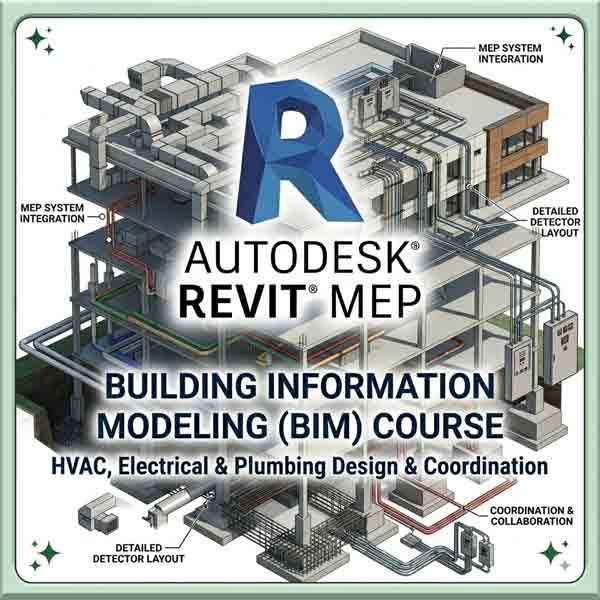
A 400x400 professional banner for an Autodesk Revit MEP training Institute BIM course, featuring a large Revit logo over a detailed 3D building model with callouts for HVAC ductwork, electrical conduits, plumbing, and detector layout.
REVIT MEP TRAINING INSTITUTE
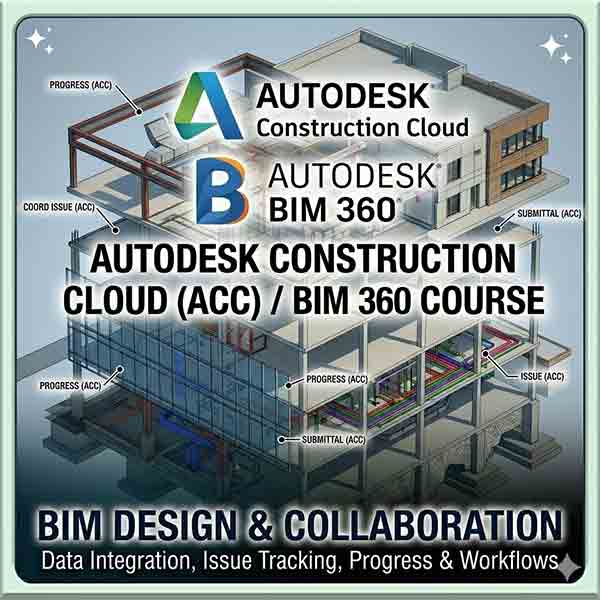
A 400x400 professional course banner showing an isometric 3D building information model with multi-story framing, foundation details, and colorful MEP system layouts. Centered over it are the large Autodesk Construction Cloud and BIM 360 logos, with text above reading "Autodesk Construction Cloud / BIM 360 Course: BIM Design & Collaboration." Callout text points specify features like "COORD ISSUE (ACC)", "SUBMITTAL (ACC)", and "ISSUE (ACC)".
AUTODESCK BIM360 TRAINING INSTITUTE
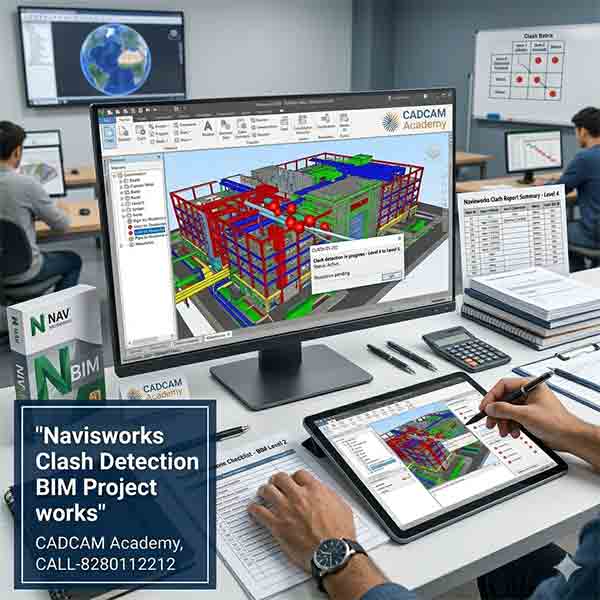
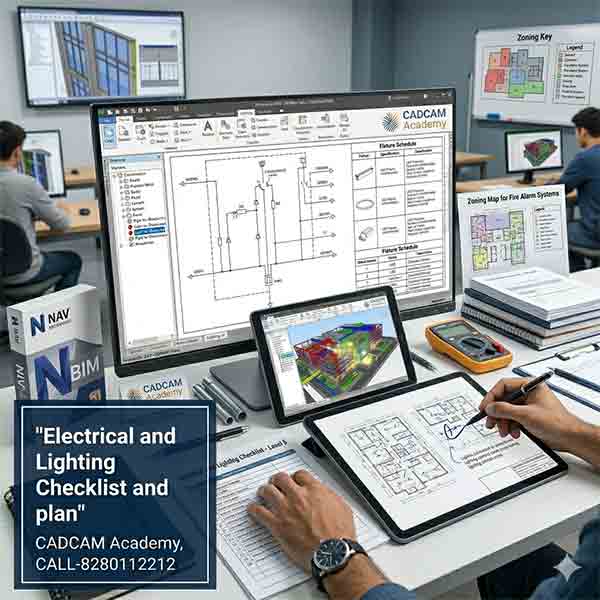
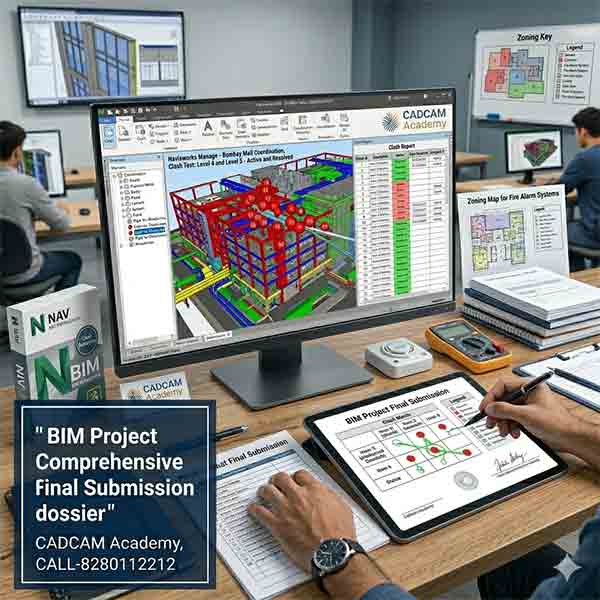
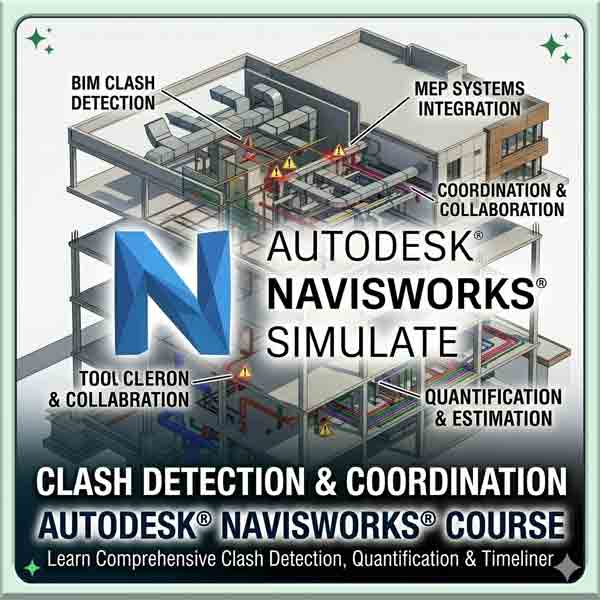
A 400x400 professional banner for an Autodesk Navisworks training course, featuring a large blue "N" logo over a 3D BIM model with red clash detection markers, highlighting MEP systems integration and coordination.
NAVISHWORKS CLASH DETECTION TRAINING INSTITUTE
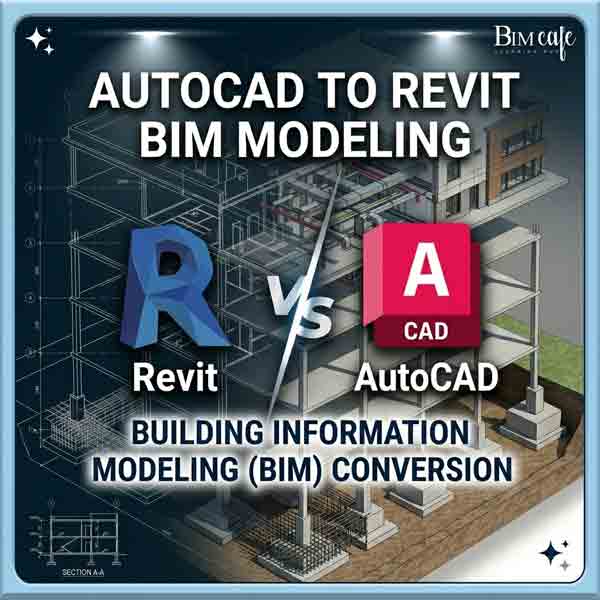
A 400x400 professional course banner showing a 3D isometric building model transforming from 2D CAD linework to 3D Revit BIM. It features the "Revit vs AutoCAD" comparison with text reading "AutoCAD to Revit BIM Modeling" and "Building Information Modeling (BIM) Conversion
CAD TO BIM CONVERSION TRAINING INSTITUTE
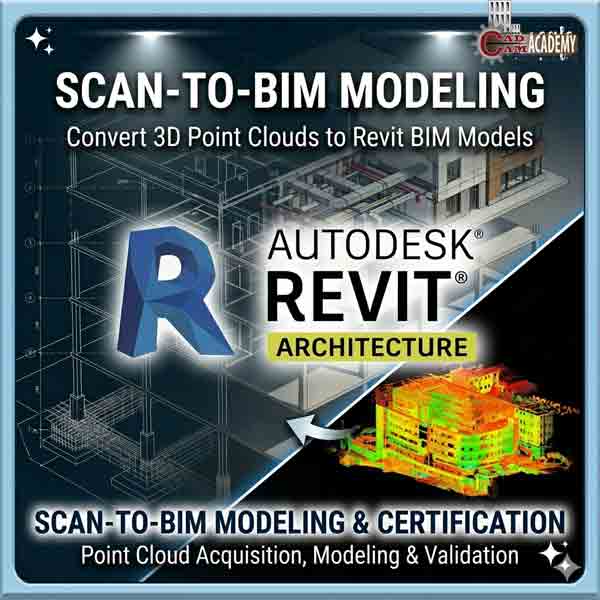
A professional square course banner for a Scan-to-BIM training institute, showing a multi-story building model split between a colorful 3D laser scan (point cloud) with heat map colors on the lower right and a clean, detailed Autodesk Revit BIM model with full MEP systems and architectural layers on the upper left, over a blue grid technical surface. It features the Autodesk Revit Architecture logo and text 'Convert 3D Point Clouds to Revit BIM Models' and 'Scan-to-BIM Modeling & Certification.
SCAN TO BIM MODELING TRAINING INSTITUTE
A professional square course banner showing an isometric 3D building information model with multi-story framing, foundation details, and colorful MEP system layouts. Centered over it is the large Dynamo logo, with text above reading "Dynamo For Revit" and below reading "Dynamo for Revit Course: Visual Scripting & Automation."
DYNAMO FOR REVIT TRAINING INSTITUTE