

 Palasuni, Rasulgarh, Bhubaneswa
 Customer Support +91 9437 1122 98 60
 AutoCAD Digitisation and GIS mapping Course – CADCAM Academy, Bhubaneswar, Odisha
Learn Professional CAD to GIS Digitisation Skills from Industry Experts
The AutoCAD Digitisation Course at CADCAM Academy is specially designed for students, survey professionals, civil engineers, GIS analysts, planners, architects, and mapping professionals who want to build strong technical expertise in CAD drafting, raster-to-vector conversion, GIS data preparation, and digital mapping technologies. This industry-oriented training program focuses on practical digitisation workflows used in engineering, infrastructure, surveying, land management, urban planning, telecom, and GIS industries.
CADCAM Academy is widely recognized as the Best AutoCAD Digitisation course institute and one of the top ranking AutoCAD Digitisation training institutes because of its practical project-based training methodology, highly experienced faculties, industrial curriculum exposure, and live mapping project practice. Students receive complete hands-on exposure to AutoCAD drafting standards, map digitisation techniques, georeferencing, coordinate systems, contour mapping, GIS layer creation, and CAD-to-GIS integration processes.
The course is highly beneficial for learners searching online for:
- Best reviews AutoCAD Digitisation institute
- near my place AutoCAD Digitisation course training institute
- AutoCAD Digitisation course experts trainers
- AutoCAD Digitisation affordable course fees
- AutoCAD Digitisation internships
- 100% jobs assistance
- AutoCAD Digitisation practical project training
At CADCAM Academy, students learn using modern industrial workflows and practical mapping assignments. The training process includes:
- Theory Sessions
- Practical Lab Exercises
- Practice Sheets
- Live Industrial Projects
- Assignment Submission
- Project Work
- Certification
The course also introduces students to GIS-integrated digitisation methods using:
- AutoCAD
- ArcGIS Pro
- QGIS
- Geospatial Mapping Tools
- Raster Image Processing
- GIS Layer Management
The academy maintains strict educational quality standards to ensure every student develops practical technical skills and professional confidence before certification.
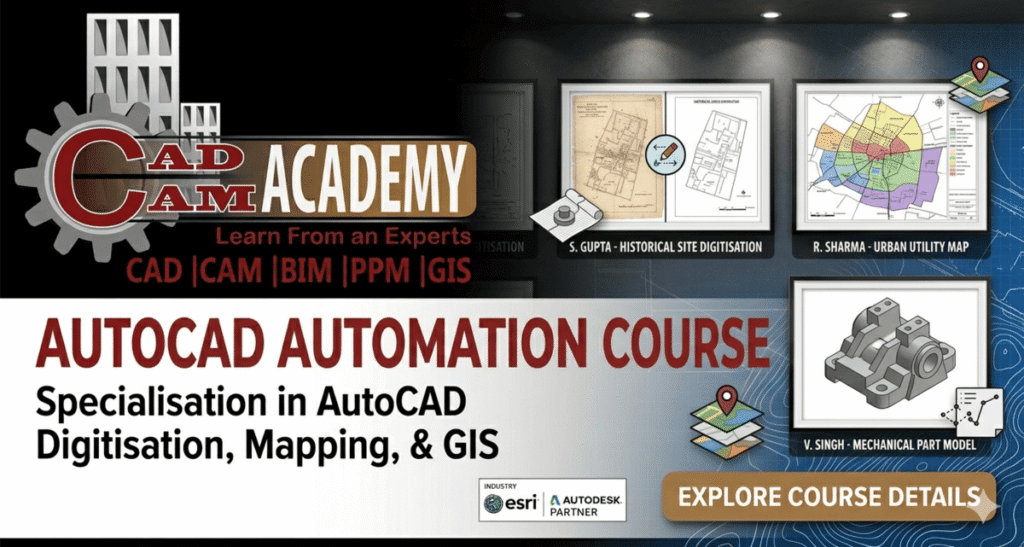
AUTOCAD DIGITISATION MAPPING COURSES
- Basic of GIS & Mapping
- Certificate Course GIS & Mapping
- Diploma in GIS & Mapping
- Diploma in GIS & Remote Sensing
- Diploma in GIS & GPS System
- Drone GIS & Mapping
- Professional Drone Piloting & GIS
- Drone Data Processing with GIS
- Advance Drone Data Analysis
- AutoCAD Digitisation Course
- ArcGIS Mapping Course
- QGIS Mapping Course
AutoCAD Digitisation Course Overview
| Course Details | Information |
|---|---|
| Course Name | AutoCAD Digitisation Course |
| Course Type | CAD & GIS Mapping Training |
| Eligibility | Diploma, B.Tech, Civil, Architecture, GIS, Surveying Students & Professionals |
| Duration | 1 Month to 3 Months |
| Training Mode | Online & Offline Classes |
| Batch Type | Regular, Weekend & Fast Track |
| Software Covered | AutoCAD, ArcGIS Pro, QGIS |
| Training Methodology | Theory + Practical + Assignment + Live Projects |
| Internship | Available |
| Certification | Industry Recognized Certification |
| Placement Support | 100% jobs assistance |
| Practical Exposure | CAD Drafting & GIS Mapping Projects |
AutoCAD Digitisation Course Syllabus
| Modules | Topics Covered |
|---|---|
| AutoCAD Basics | Interface, Drawing Tools, Coordinate Systems |
| Drafting Techniques | Layers, Blocks, Annotation, Dimensioning |
| Raster to Vector | Image Tracing & Digitisation |
| Georeferencing | Coordinate Mapping & Control Points |
| GIS Integration | CAD to GIS Conversion |
| Mapping Standards | Land Mapping & Infrastructure Mapping |
| Contour Mapping | Terrain & Topographic Digitisation |
| Data Structuring | GIS Layer Management |
| Plotting & Layout | Professional Drawing Output |
| Live Projects | Practical Industrial Assignments |
AutoCAD Digitisation Course Objective
| Objective Area | Learning Outcome |
|---|---|
| CAD Drafting | Create professional technical drawings |
| Digitisation Skills | Convert raster images into vector formats |
| GIS Integration | Integrate CAD drawings with GIS platforms |
| Mapping Techniques | Prepare mapping layers & spatial data |
| Georeferencing | Understand coordinate systems & projections |
| Project Execution | Complete industrial digitisation projects |
| Professional Skills | Develop industry-ready CAD expertise |
AutoCAD Digitisation Course Internship
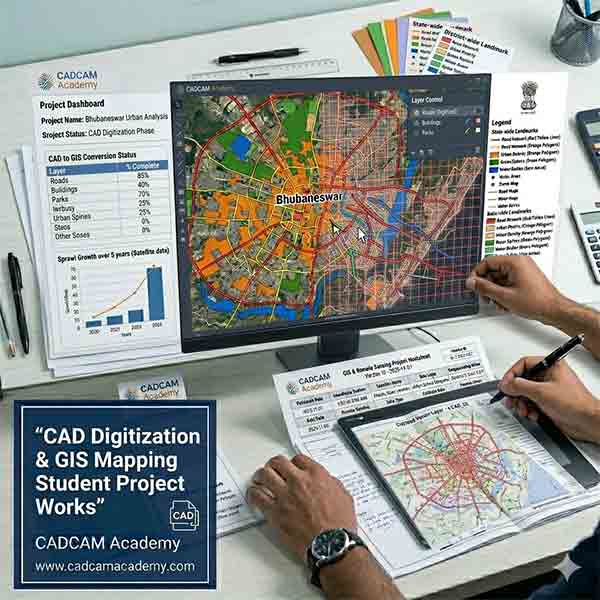
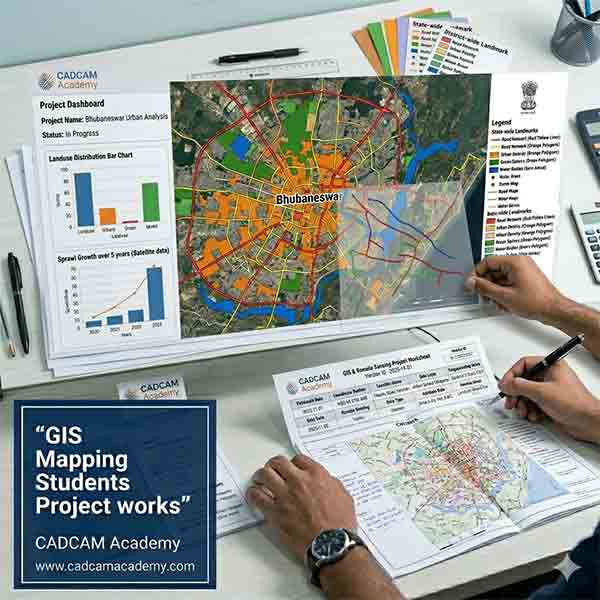
The AutoCAD Digitisation Internship Program at CADCAM Academy provides practical industrial exposure through real-time CAD drafting and GIS mapping projects. Students work on infrastructure drawings, land parcel digitisation, contour maps, utility layouts, telecom mapping, and GIS-integrated spatial data projects under the supervision of experienced trainers.
The internship helps students improve:
- Technical Drafting Skills
- Mapping Accuracy
- GIS Layer Structuring
- Coordinate System Management
- CAD Standards
- Industrial Workflow Understanding
Students gain confidence by working on live assignments and project submissions that simulate actual industrial environments. The internship program is highly beneficial for learners searching for AutoCAD Digitisation course practical project expertise and AutoCAD Digitisation internships in Odisha.
CADCAM Academy ensures every student receives proper guidance, project support, and industrial exposure to become technically skilled and professionally prepared.
Career Opportunities after AutoCAD Digitisation Course
After completing the AutoCAD Digitisation Course, students can build careers as:
- CAD Digitisation Engineer
- GIS Mapping Technician
- CAD Draftsman
- GIS Data Analyst
- Mapping Executive
- Infrastructure CAD Engineer
- Land Survey Digitisation Expert
- Utility Mapping Technician
Industries hiring trained professionals include:
- Civil Engineering
- GIS & Surveying
- Infrastructure Development
- Urban Planning
- Telecom Mapping
- Smart City Projects
- Land Records Management
- Construction & Engineering Consultancy
The growing demand for digital mapping and GIS-integrated drafting has created excellent career opportunities for skilled digitisation professionals.
Why Choose CADCAM Academy for AutoCAD Digitisation Course
CADCAM Academy provides practical industrial training with live digitisation projects, structured assignments, expert faculty guidance, internship opportunities, and advanced CAD-GIS integration workflows. The academy is highly recognized for AutoCAD Digitisation satisfied training, best reviews institute, affordable course fees, and highly experienced AutoCAD Digitisation course faculties.
Students Reviews & Testimonials
Student Review 1
“The AutoCAD Digitisation training at CADCAM Academy helped me improve my CAD drafting and GIS mapping skills professionally. The practical assignments and project work were extremely useful.”
– Rakesh Kumar, Civil Engineering Student
Student Review 2
“I learned raster-to-vector conversion and GIS-integrated mapping workflows from expert trainers. The course content and practical sessions were industry-oriented and very informative.”
– Priya Das, GIS Trainee
Student Review 3
“CADCAM Academy provides excellent practical exposure and professional guidance. The internship and project submission process helped me gain confidence for industrial work.”
– Amit Mishra, Survey Technician
FAQ-Frequently Asked Questions
What is AutoCAD Digitisation?
AutoCAD Digitisation is the process of converting paper maps, scanned drawings, or raster images into editable digital CAD formats.
Who can join this course?
Students and professionals from Civil Engineering, Architecture, GIS, Surveying, and Planning backgrounds can join.
Which software is covered?
Students learn:
- AutoCAD
- ArcGIS Pro
- QGIS
Is practical training included?
Yes. Practical exercises, assignments, and live projects are compulsory.
Do you provide internship opportunities?
Yes. Internship programs with industrial project exposure are available.
Is certification provided?
Yes. CADCAM Academy provides industry-recognized certification.
Is online training available?
Yes. Both online and offline training modes are available.
Does the course include GIS integration?
Yes. Students learn CAD to GIS integration workflows.
Will I get job assistance?
Yes. CADCAM Academy provides 100% jobs assistance support.
Admission Process
Students interested in joining the AutoCAD Digitisation Course at CADCAM Academy can contact the admission team through phone, website inquiry, or direct institute visit.
Admission Steps:
- Contact CADCAM Academy
- Attend Career Counseling
- Select Course & Batch Timing
- Complete Registration
- Start Practical Training
Flexible weekday and weekend batches are available for students and working professionals.
Call to Action
Start Your Professional CAD & GIS Career Today
Join CADCAM Academy and build professional expertise in AutoCAD Digitisation, GIS Mapping, Raster-to-Vector Conversion, and CAD to GIS Integration through practical industrial training and live projects.
Learn from expert trainers and become industry-ready with practical assignments, internship exposure, certification, and placement assistance.
Contact CADCAM Academy
Mobile Numbers
- +91 8280112298
- +91 9437112298