CADCAM Academy

locationPalasuni, Rasulgarh, Bhubaneswa

phoneCustomer Support +91 9437 1122 98 60

Revit Architecture Training Institute

Best Revit Architecture Training Institute in Bhubaneswar | CADCAM Academy

At CADCAM Academy, Bhubaneswar, Odisha, our Revit Architecture Training program is designed to transform aspiring architects, civil engineers, and designers into skilled BIM professionals through industry-oriented learning. Recognized as the Best institute for Revit Architecture and a top ranking institute for BIM courses, we focus on real-time project exposure rather than only software commands. Students searching for a Revit course near my place with best reviews institute credibility will find our training methodology practical, structured, and career-focused.

Our experts trainers and highly experienced faculties deliver sessions with live architectural projects, ensuring practical project expertise and industrial curriculum exposers. We emphasize satisfied training with hands-on assignments, model creation, drawing extraction, and BIM standards followed in the AEC industry. With affordable course fees, Internships, and 100% jobs assistance, learners gain confidence to work in real architectural and BIM environments. If you aim to build a career in BIM modeling and architectural design, this course at CADCAM Academy is your right step toward professional success.

Revit Architecture Course Overview

Course NameRevit Architecture Training
EligibilityCivil Engg, Architecture, Interior, Diploma, Students
Duration2 Months
ModeClassroom / Online
Batch TypeRegular / Weekend
Who Can JoinStudents, Job Seekers, Professionals
MethodologyPractical + Live Projects + Assignments
CertificationCADCAM Academy Certification
Placement100% Job Assistance
InternshipAvailable

Revit Architecture Course Syllabus

ModuleTopics Covered
Introduction to BIM & RevitBIM concepts, interface, project setup
Modeling ToolsWalls, doors, windows, floors, roofs
Families & ComponentsLoadable families, parametric components
Views & SheetsPlans, elevations, sections, sheet setup
Annotation & DetailingDimensions, tags, schedules
Rendering & PresentationMaterials, lights, rendering views
Working DrawingsArchitectural drawing extraction
Project WorkComplete residential/commercial project

Revit Architecture Course Objective

ObjectiveOutcome
Understand BIM workflowIndustry-ready BIM knowledge
Create 3D architectural modelsPractical modeling skills
Generate drawings & schedulesProfessional documentation ability
Work on live projectsReal project confidence
Prepare for BIM careersJob-oriented skill development

Revit Architecture Career Opportunities

After completing Revit Architecture Training, students can apply for roles such as BIM Modeler, Revit Architect, Architectural Draftsman, BIM Coordinator, and Design Engineer in architectural firms, construction companies, and BIM consultancy services. With 100% jobs assistance, Internships, and practical project expertise, learners are prepared to meet industry standards. The demand for BIM professionals is increasing rapidly in India and abroad, offering excellent career growth and salary opportunities for certified Revit professionals.


Why Choose CADCAM Academy for Revit Architecture Course

CADCAM Academy provides industry-focused Revit training with live projects, experts trainers, highly experienced faculties, Internships, and 100% jobs assistance at affordable course fees, making it the best reviews institute for BIM learning in Bhubaneswar.

I searched for an autocad institute near me and found CADCAM Academy. The practical drawings and expert guidance improved my confidence in detailing of working drawings for interior design project . So I recommended the best autocad institute for building design course.

Students Reviews and Testimonial

Review 1:
“I joined Revit Architecture training at CADCAM Academy and gained real project experience. The trainers are very supportive and the practical sessions helped me understand BIM deeply. I got internship support and job assistance after course completion.”

Review 2:
“The best part of this institute is live project practice. I was searching for a Revit course near my place and found this top ranking institute. The teaching method is very clear and industry oriented.”

Review 3:
“Highly experienced faculties and friendly environment. I learned modeling, drawing extraction, and rendering with confidence. CADCAM Academy truly provides satisfied training with placement support.”


FAQ Revit Architecture

Q1: Who can join Revit Architecture training?
Students from civil, architecture, interior design, diploma, and professionals can join.

Q2: Do you provide practical project training?
Yes, we provide live architectural project training for practical exposure.

Q3: Is internship available after the course?
Yes, internship opportunities are provided for skill enhancement.

Q4: Do you provide job assistance?
Yes, we provide 100% job assistance to all eligible students.

Q5: What is the course duration?
The duration is 2 months with flexible batch options.

Q6: Will I get certification?
Yes, CADCAM Academy provides course completion certification.


Admission Enrollment Process for Revit Architecture

Students can enroll by visiting CADCAM Academy, Bhubaneswar, or contacting our admission team. Attend a free counseling session, understand course details, select batch timing, and complete registration with basic documents. Our team guides you through the enrollment smoothly and provides pre-course orientation before training begins.


Call to Action Revit Architecture Course Enrollments.

Start your BIM career today with the Best Revit Architecture Training Institute. Join CADCAM Academy, Bhubaneswar, and learn from experts with practical projects, internships, and job assistance. Enroll now and become a professional Revit Architect!
A 400x400 professional banner for a Revit Architecture Training Institute BIM course, featuring the Autodesk Revit logo over a 3D building information model showing structural and architectural layers.
REVIT ARCHITECTURE TRAINING INSTITUTE
A 400x400 professional banner for a Revit Structure training course, featuring the large, blue 3D Autodesk Revit Structure logo over an isometric model of a multi-story building showing concrete reinforcement, structural framing, and a BIM data analysis panel.
REVIT STRUCTURE TRAINING INSTITUTE
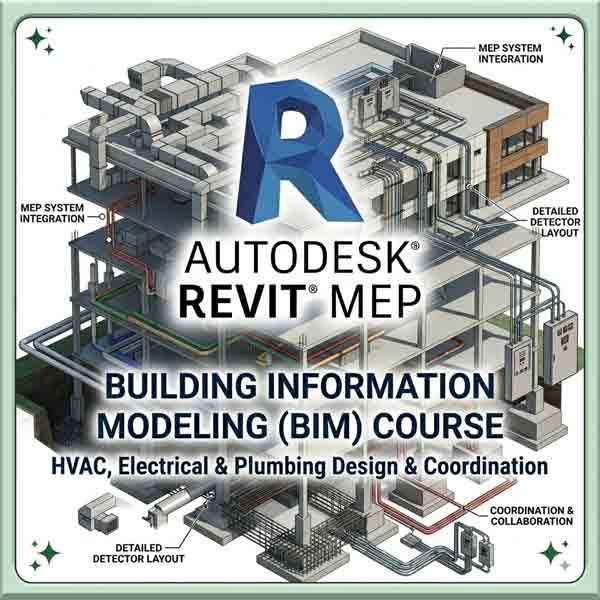
A 400x400 professional banner for an Autodesk Revit MEP training Institute BIM course, featuring a large Revit logo over a detailed 3D building model with callouts for HVAC ductwork, electrical conduits, plumbing, and detector layout.
REVIT MEP TRAINING INSTITUTE
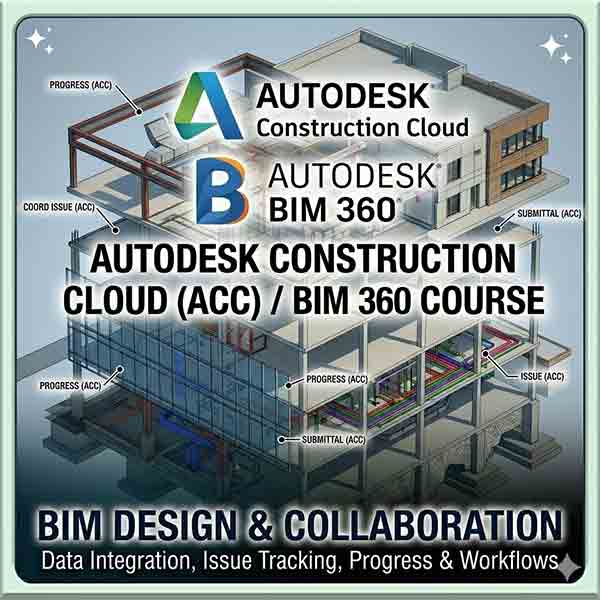
A 400x400 professional course banner showing an isometric 3D building information model with multi-story framing, foundation details, and colorful MEP system layouts. Centered over it are the large Autodesk Construction Cloud and BIM 360 logos, with text above reading "Autodesk Construction Cloud / BIM 360 Course: BIM Design & Collaboration." Callout text points specify features like "COORD ISSUE (ACC)", "SUBMITTAL (ACC)", and "ISSUE (ACC)".
AUTODESCK BIM360 TRAINING INSTITUTE
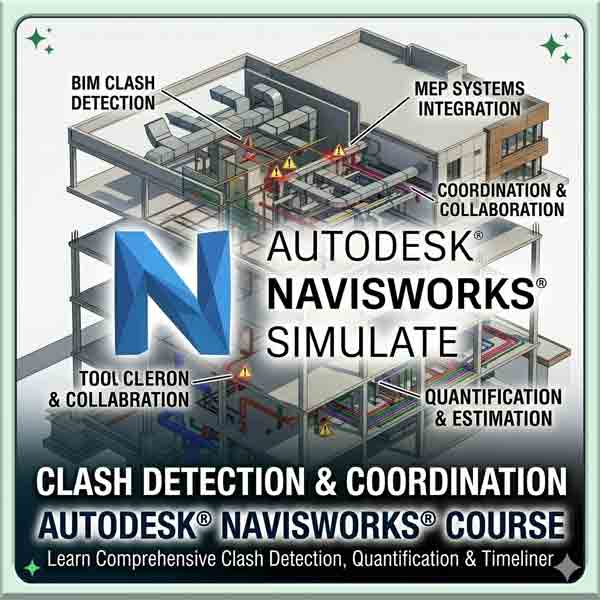
A 400x400 professional banner for an Autodesk Navisworks training course, featuring a large blue "N" logo over a 3D BIM model with red clash detection markers, highlighting MEP systems integration and coordination.
NAVISHWORKS CLASH DETECTION TRAINING INSTITUTE
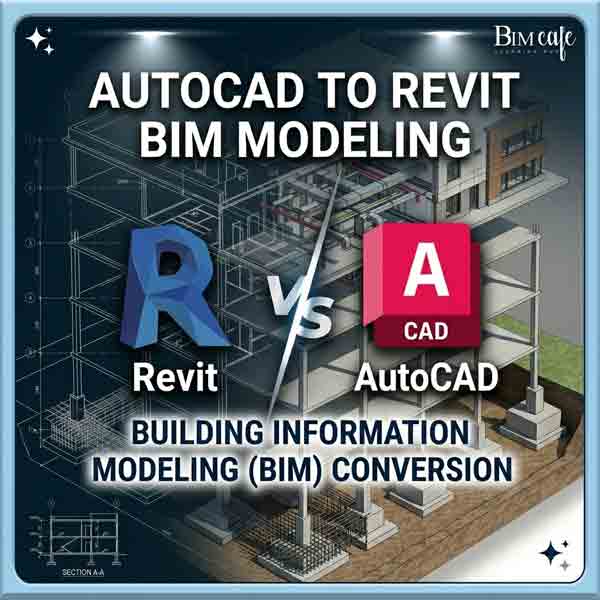
A 400x400 professional course banner showing a 3D isometric building model transforming from 2D CAD linework to 3D Revit BIM. It features the "Revit vs AutoCAD" comparison with text reading "AutoCAD to Revit BIM Modeling" and "Building Information Modeling (BIM) Conversion
CAD TO BIM CONVERSION TRAINING INSTITUTE
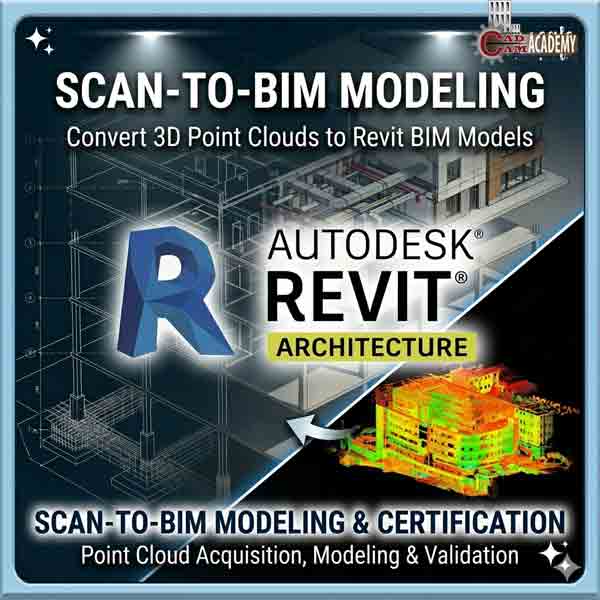
A professional square course banner for a Scan-to-BIM training institute, showing a multi-story building model split between a colorful 3D laser scan (point cloud) with heat map colors on the lower right and a clean, detailed Autodesk Revit BIM model with full MEP systems and architectural layers on the upper left, over a blue grid technical surface. It features the Autodesk Revit Architecture logo and text 'Convert 3D Point Clouds to Revit BIM Models' and 'Scan-to-BIM Modeling & Certification.
SCAN TO BIM MODELING TRAINING INSTITUTE
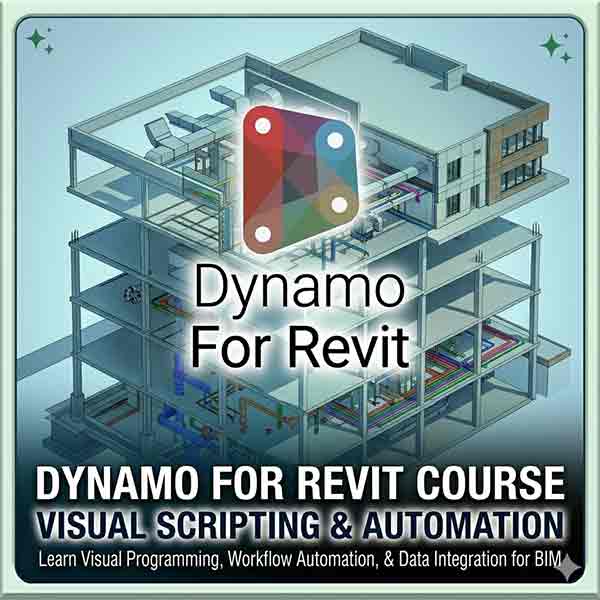
A professional square course banner showing an isometric 3D building information model with multi-story framing, foundation details, and colorful MEP system layouts. Centered over it is the large Dynamo logo, with text above reading "Dynamo For Revit" and below reading "Dynamo for Revit Course: Visual Scripting & Automation."
DYNAMO FOR REVIT TRAINING INSTITUTE